Sheet 21 Revised 02 Aug 2026
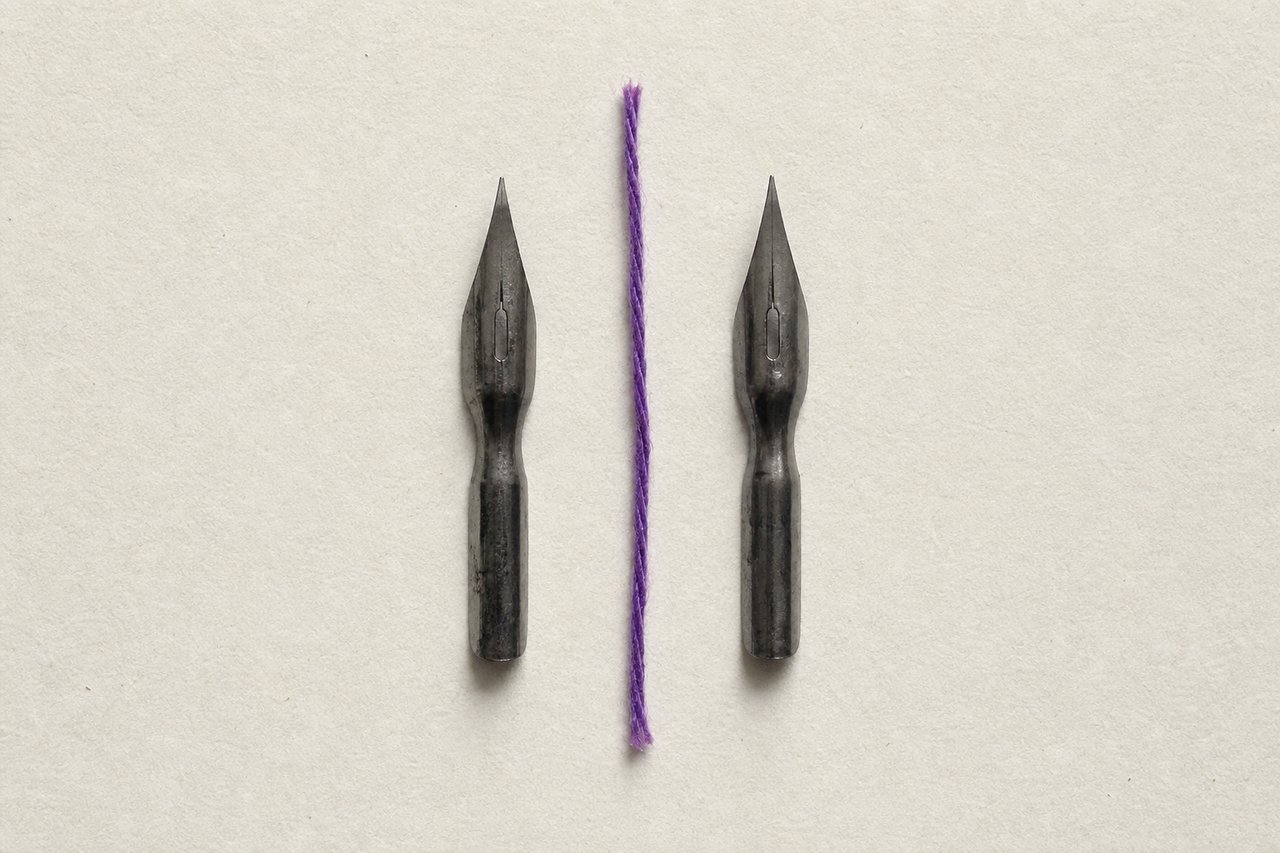
No. 214Two nibs, one line. Almost everything that separates the applications happens before or after the stroke.
Illustrator versus CorelDRAW: the differences that survive scrutiny
The two applications draw the same curves with the same operations, and most published comparisons are therefore comparisons of habit. Four differences are real, and all four are about what happens around the drawing rather than inside it.
What is the same
Both applications store paths as anchor points with direction handles. Both implement union, subtraction, intersection and exclusion. Both offer non-destructive corner radii, path offsetting, stroke conversion, alignment against a key object, gradient meshes, live effects and colour management.
Anything drawable in one is drawable in the other, usually with the same number of operations. A comparison built on which has a particular command is a comparison of where menus sit.
Difference one: the page model
CorelDRAW is built around multiple pages in a single document. Illustrator is built around artboards on one canvas. These sound similar and behave differently in practice.
For multi-page work with running elements (a booklet, a manual, a set of labels) the page model is genuinely more comfortable. For a set of related but independent artefacts at different sizes (an icon set, a mark and its variants, a group of banner sizes) artboards are.
Difference two: print production
CorelDRAW carries more production tooling in the box: imposition layout, print merge and a set of prepress controls that in the other ecosystem live in a separate application. For a studio that outputs its own work, or for signage and garment work where cut paths and spot handling matter daily, that is a real and continuing advantage.
For work delivered to an external printer as a PDF, it matters much less, because the production decisions are made downstream by someone else.
Difference three: licensing
The two are sold on different models: a subscription against a perpetual licence with paid upgrades. Which is cheaper depends entirely on how long the software is kept and whether the rest of a suite is already being paid for.
The part worth noticing is not the price but what happens at the end. A perpetual licence keeps opening files after payment stops; a subscription does not. For an organisation with an archive it has to be able to reopen in ten years, that is a structural consideration rather than a financial one.
Difference four: who receives the file
This decides more real cases than the other three combined. If clients, printers and collaborators all expect one format, that is the format, and preference is not the deciding vote.
Both applications export the neutral formats (PDF, SVG, EPS) and both import the other's native format with reasonable fidelity. Reasonable is not perfect: live effects, some blend modes, text handling and certain transparency constructions are where round-tripping loses things. Export flattened or outlined when a file leaves the building, whichever direction it is going.
What actually to do
Learn the operations rather than either application. The dozen listed in vector basics are the same in both, and a person who knows them is productive in either within a day.
Then choose on the four points above, in this order: what the people you deliver to expect, what kind of output you produce, whether your work is multi-page, and what the licence has to survive. Preference comes fifth and it is the one that gets argued about first.
The two applications are named in alphabetical order in the title above, which is not a ranking of them. The order in a title is not an argument.
Questions about the two
QueriesIs Illustrator or CorelDRAW better for logo design?
Neither, for the drawing itself: both implement the same operations on the same path model. The decision should rest on what your printers and collaborators expect to receive, since a mark leaves the studio more often than most artwork.
Can CorelDRAW open Illustrator files and the other way round?
Both import the other’s native format with reasonable fidelity. Live effects, some transparency constructions and editable text are where round-tripping loses things, so export outlined or flattened whenever a file leaves the building.
Which is better for print production?
CorelDRAW carries more production tooling in the box (imposition, print merge, prepress controls) which matters if you output your own work or do signage and garment work. If a printer receives a PDF and handles production, the advantage largely disappears.
Does the choice of application show in the finished artwork?
Not in the artwork, and reliably in the file. Both applications draw the same Bézier curves, so a printed mark carries no trace of which one made it. What differs is what survives the handover: effects, blends and text on a path are stored in each application’s own way and are the first things to change appearance when the file is opened elsewhere. Judge the output on the drawing and the file on what it still lets the next person edit.
Read next
TransfersVector basics
Primitives, booleans, paths, and the habits that keep a drawing editable a year after it is finished.
No. 132TutorialsVector phone tutorial
A hard-surface object from primitives, with the boolean operations named as they are used.
No. 602Logo DesignLogo formats and files
The vector master, the SVG, the one-colour pair and the one-page note that stops a mark degrading.