Sheet 18No. 4083 entries
Tutorials: the vector technique underneath the software
A tutorial that lists menu commands teaches one version of one application. A tutorial that names the operation teaches something that survives the next release and transfers to every other program. Everything in this section is written the second way.
Entries in this section
Register- No. 077 Vector basics 07 Aug 2026 Open Vector basics Primitives, booleans, paths, and the habits that keep a drawing editable a year after it is finished.
- No. 132 Vector phone tutorial 03 Aug 2026 Open Vector phone tutorial A hard-surface object from primitives, with the boolean operations named as they are used.
- No. 214 Illustrator versus CorelDRAW 02 Aug 2026 Open Illustrator versus CorelDRAW Four differences that survive scrutiny, and the reason none of them is about drawing.
Why the operations are named rather than the menus
Vector drawing has perhaps a dozen real operations, and every application implements all of them. What differs is where they sit, what they are called, and which keyboard shortcut invokes them. A tutorial written around those three things stops being true at the next release; a tutorial written around the operation stays true indefinitely and transfers.
So the entries here say subtract the smaller shape from the larger rather than naming a palette, and they say corner radius applied non-destructively rather than naming a live effect. Where an application-specific detail genuinely matters, and there are a few, it is called out as such.
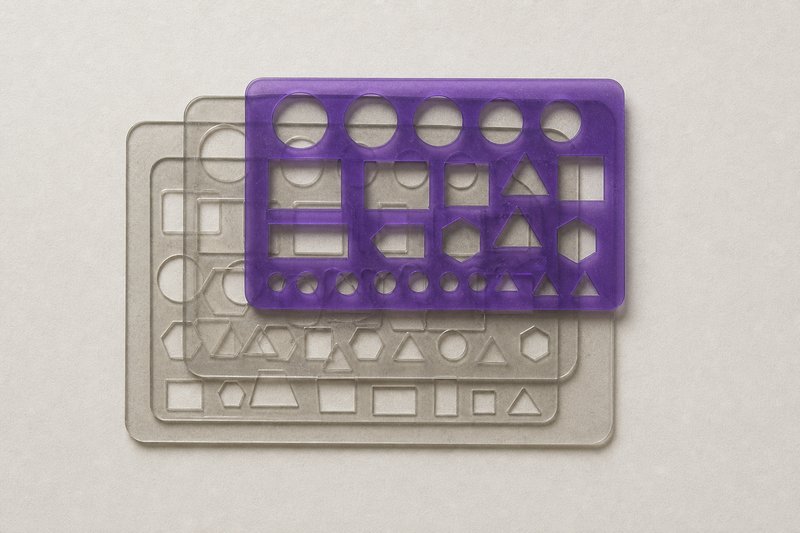
The dozen operations that cover almost everything
Draw a primitive. Combine two shapes by union, subtraction, intersection or exclusion. Offset a path inward or outward. Round a corner. Convert a stroke to a filled shape. Align and distribute against a reference. Duplicate along a path or a transform. Cut a path at a point. Join two open paths. Simplify a path by removing anchors. Mask one shape with another.
Everything in this section is a combination of those, applied in an order chosen so the drawing stays editable afterwards, which is the part most tutorials leave out.
The habit that matters more than any technique
Build so the drawing can be changed. A shape produced by permanently merging six others is finished and dead; the same shape produced by a non-destructive combination can be adjusted in a year by somebody who was not there.
This costs nothing at the time and it decides whether a file gets reused or a file that gets redrawn. It matters most for a mark, where the same artwork will be revisited every time the identity is extended: see formats and files for what that means at delivery.
What these tutorials do not cover
Three things, and the omissions are deliberate. There is no raster retouching: an image edited pixel by pixel is a different craft with different tools, and nothing in this section needs it. There is no 3D or rendering, for the same reason: the moment a surface has to be lit rather than drawn, the geometry here stops being the subject. And there is no typesetting. A drawing carries lettering often enough, but which face, at what size and on what measure is decided in type in practice, not in a drawing tutorial.
What is left is the geometry: shapes, the operations that combine them, and the order that keeps the result editable afterwards. That is a smaller subject than a software manual and a considerably more durable one.
What the file keeps, and what it quietly drops
A drawing is only as portable as the format it is saved into, and the formats differ in exactly what they preserve. SVG keeps the geometry as text: the mark at the top of this page is inline SVG built from six drawing elements, two rounded paths and three rectangles over one more path, and it can be opened in a text editor and edited by hand. PDF keeps the geometry and can carry the fonts with it, which is why it is what a printer asks for. EPS keeps the geometry and loses almost everything above it, which is why it survives as an interchange format rather than a working one.
The application's own format keeps everything, including the parts only that application understands, and that is precisely why it is the wrong file to hand to somebody else. Which file goes to whom is set out in formats and files.
Where to start
Vector basics covers the primitives, the boolean operations and the anatomy of a path. The phone tutorial builds one hard-surface object end to end, naming each operation as it is used. Illustrator versus CorelDRAW compares the two applications on the things that actually differ, which is fewer things than the argument usually suggests.
Questions about the tutorials
QueriesDo these tutorials require a specific application?
No. They name the operation rather than the menu, and every mainstream vector application implements all of them. Where a genuine difference exists between applications it is called out explicitly rather than assumed away.
Is vector drawing still worth learning?
For anything that has to be reproduced at more than one size (marks, icons, diagrams, illustration for print) it is the only sensible way to work. A raster image is a decision about resolution made in advance and permanently.
Which vector application do these tutorials assume?
None. Every step names the operation (subtract, offset, intersect, convert stroke to shape) and every mainstream vector application implements all of them. The handful of places where the applications genuinely differ are set out separately in the comparison, and none of those differences is about drawing.
In what order should these tutorials be worked through?
Vector basics first, then the phone, then anything else. The basics entry establishes what a point and a handle actually do, and the phone tutorial assumes that and spends its length on construction order instead, meaning which shapes are built before which and why an offset path is not a scaled one. Taken the other way round the phone reads as a sequence of steps to copy, which is the one outcome a tutorial is worth nothing for.