Sheet 19 Revised 07 Aug 2026
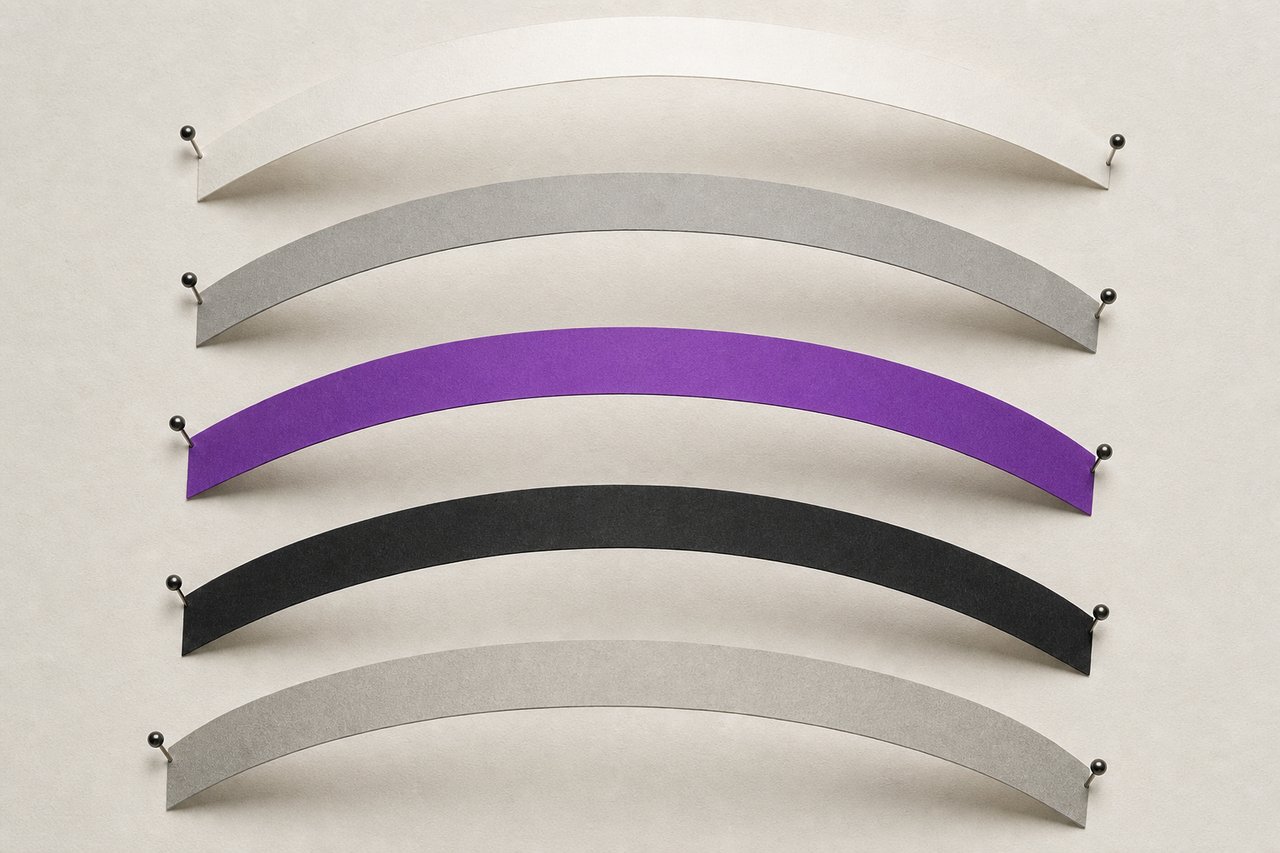
No. 077A strip held at two points takes one curve. Move a pin and it takes another. That is a bezier handle.
Vector basics: primitives, boolean operations and path anatomy
A vector drawing is a set of instructions rather than a picture, which is why it can be scaled without loss and why it can be edited a year later. Understanding what those instructions are (points, handles, fills and combinations) makes almost every technique afterwards obvious.
What a path actually is
A path is a sequence of anchor points with, at each point, up to two direction handles. The curve between two anchors is determined entirely by those anchors and the handles pointing towards each other. Nothing else is stored. That is the whole model.
Two consequences follow immediately and both are practical. Fewer anchors give smoother curves, because each anchor is a place the curve is forced to pass through. And a curve is easiest to control when the handles are roughly perpendicular to the direction of travel at the extremes of the shape (the top, bottom, left and right of a circle) which is why placing anchors at the extremes is the first habit worth building.
A path is open or closed. A closed path can carry a fill predictably; an open one can be filled, but what gets filled is an implied closure and it is rarely what was intended.
Primitives first
Almost every hard-surface object is a combination of rectangles, rounded rectangles, circles and ellipses. Starting from primitives rather than drawing freehand gives exact proportions, exact alignment and a drawing whose parts can still be selected and adjusted individually afterwards.
The habit that follows: name the shapes as they are made, and keep them grouped by function. A file with forty unnamed paths is a file that will be redrawn rather than edited.
The four boolean operations
Every combination of two shapes is one of four things.
- Union
- Everything either shape covers. Used to build one silhouette from several primitives.
- Subtract
- The first shape minus the second. The workhorse: every hole, notch, cut and aperture.
- Intersect
- Only what both cover. The quickest way to crop one shape to another without a mask.
- Exclude
- Everything either covers except the overlap. Produces the figure-and-ground effects used in the marks described on the duality entry.
Where the application offers a non-destructive version of these, a live compound rather than a permanent merge, use it. The result on screen is identical and the drawing remains editable.
Offset, and why it is not scaling
Offsetting moves every point of a path a fixed distance along its own normal, so the new path is parallel to the original everywhere. Scaling moves points away from a centre, so the distance between old and new varies around the shape.
For a border of constant thickness, an inner outline, or a keyline around an irregular shape, offset is correct and scaling is wrong. The difference is invisible on a circle and obvious on anything with both long and short axes.
Converting a stroke to a shape
A stroke is a rendering instruction applied to a path: a width, a cap, a join. It is not geometry, and it does not participate in boolean operations.
Converting the stroke to a filled shape turns it into geometry, after which it can be combined, cut and offset like anything else. Do this late, and keep a copy of the un-converted version, because the conversion is one-way and it is the operation most likely to be regretted.
Corner radius: three ways, one of them reversible
A corner can be rounded by drawing it rounded from the start, by applying a live corner treatment that remains adjustable, or by cutting and rejoining the path permanently. The middle option is almost always correct, and it is the one people forget exists.
Where a shape needs several radii, a large one on the outer corners and a smaller one inside, apply them separately rather than compromising on one value. The eye reads a consistent relationship between radii, not a consistent number.
Alignment against a reference
Alignment tools align to a selection, to a key object or to the artboard, and choosing the wrong reference is the commonest cause of a drawing that is nearly right. Set the key object explicitly when it matters.
Optical alignment overrides mathematical alignment where the two disagree. A circle centred mathematically beside a square appears slightly high; a triangle centred in a circle appears off to the left. The eye is the client, as it is in mark construction.
Simplifying without wrecking
Automatic path simplification removes anchors within a tolerance. It is useful on traced or imported artwork with hundreds of redundant points, and destructive on a drawing that was built deliberately.
Manual simplification is better where quality matters: remove one anchor, look, adjust the neighbouring handles. Slower, and it produces curves that were chosen rather than approximated.
Questions about paths
QueriesVector or raster, which is which, and when does it matter?
A vector file stores instructions (points, curves, fills) so it can be rendered at any size. A raster file stores a grid of pixels, so its resolution is a decision made once and permanently. Anything reproduced at more than one size should be vector.
How many anchor points should a curve have?
As few as describe it. Placing anchors at the extremes of a shape (top, bottom, left, right) and letting the handles do the rest gives smoother curves than scattering points along the path, because every anchor is a place the curve is forced through.
When should a stroke be converted to a shape?
Late, and only when the stroke needs to participate in a boolean operation or be delivered as final artwork. It is a one-way conversion, so keep the unconverted version in the file.
Is offsetting a path the same as scaling it?
No. Offsetting moves every point the same distance along its own normal, keeping the new path parallel everywhere. Scaling moves points away from a centre, so the gap varies around the shape. For a constant-width border, only offset is correct.
Read next
TransfersVector phone tutorial
A hard-surface object from primitives, with the boolean operations named as they are used.
No. 214TutorialsIllustrator versus CorelDRAW
Four differences that survive scrutiny, and the reason none of them is about drawing.
No. 045FundamentalsBasic elements of graphic design
Line, shape, space, scale, texture and colour: defined tightly enough to argue with.